

Long Video to Shorts & Clips for Windows
One recording.More posts.Less routine.
ZaZaCut scans long MP4 recordings—from gameplay and streams to video podcasts, interviews, and talking-head content—then surfaces candidate moments for TikTok, Shorts, and Reels.
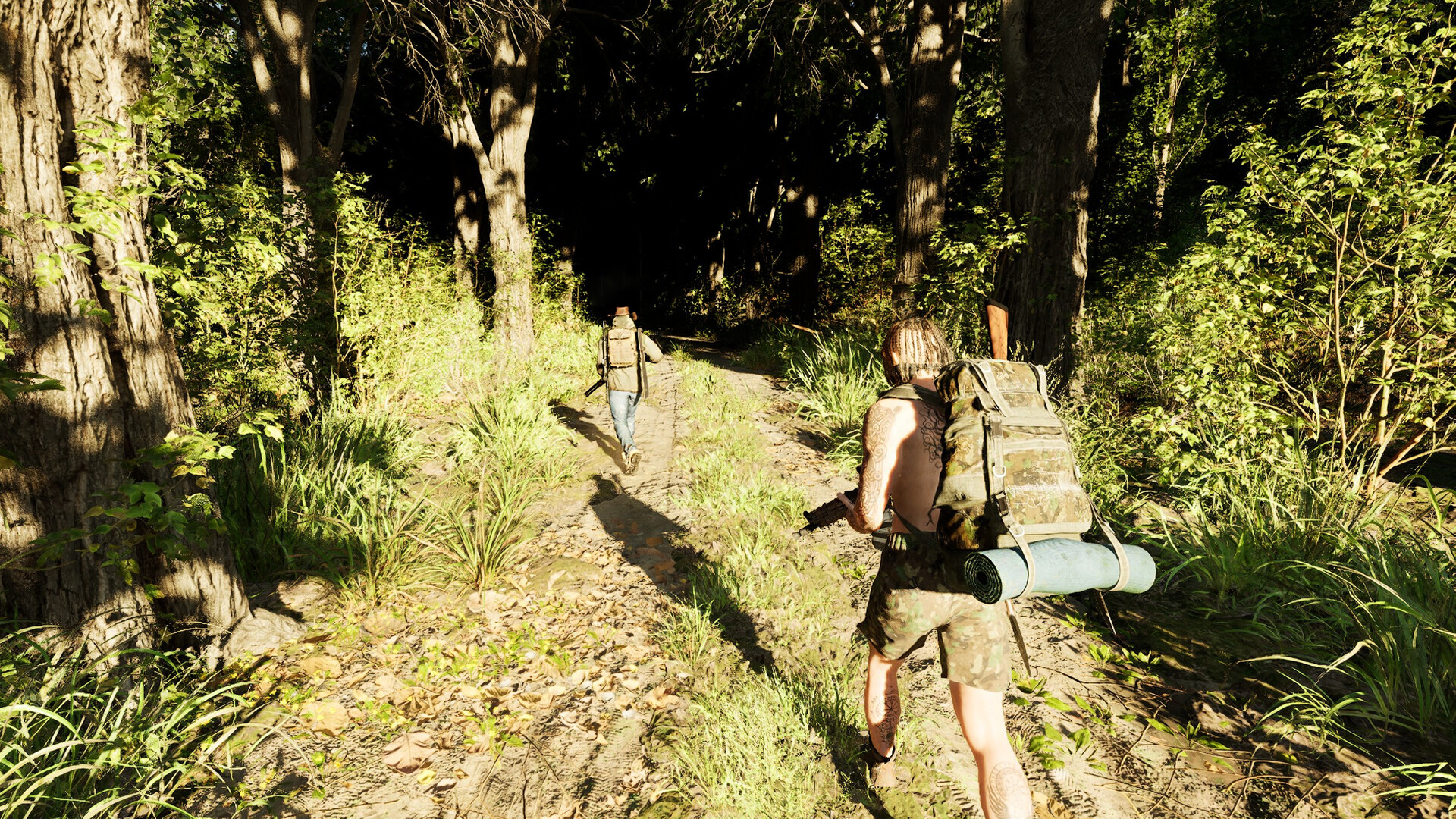

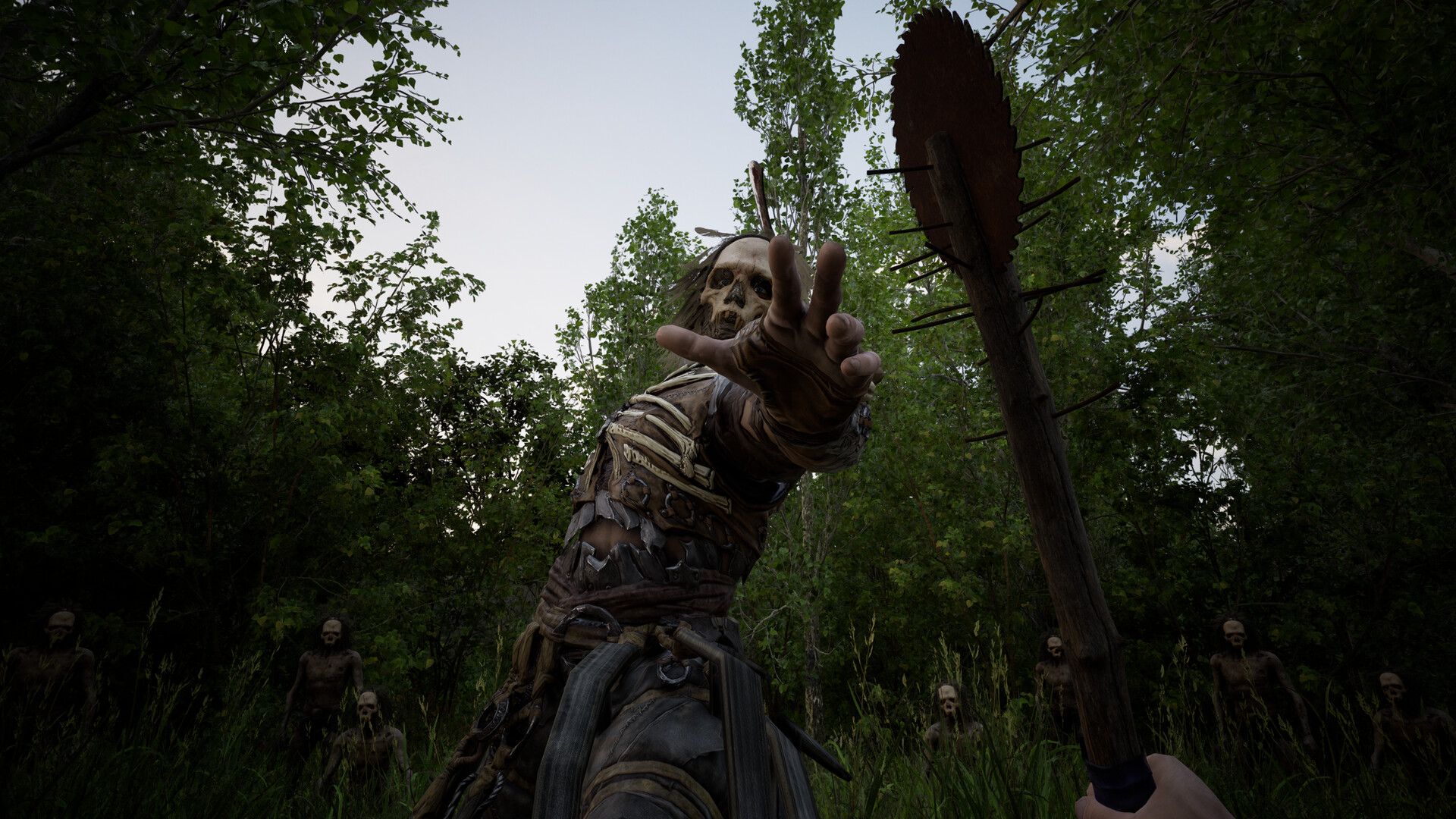
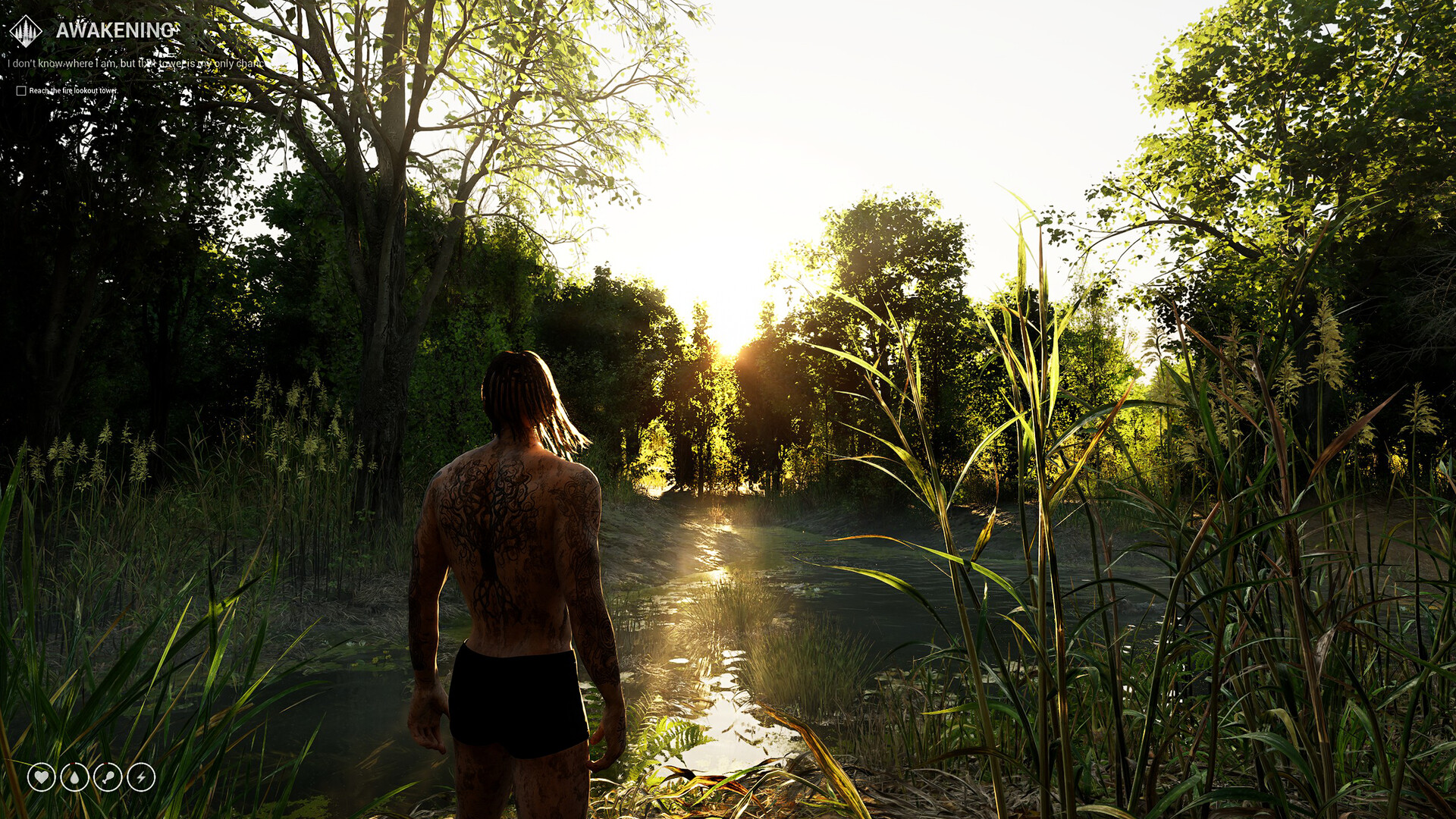


Not just gameplay
Long streams, podcasts, and videos. More moments ready to post.
For streamers
Laughter, shouts, reactions, and sudden audio peaks can surface moments worth reviewing after a long stream.
For video podcasters
Use audio signals to narrow hours of conversation into a practical list of moments to review and clip.
For bloggers and creators
Interviews, commentary, tutorials, and talking-head MP4s can become a repeatable short-form publishing queue.
Used by MOROZ GAMES
We built it to remove work from our own content pipeline.
ZaZaCut has been part of how we promote our projects for the last month. We use it to test more moments, publish more consistently, and spend less time scrubbing through recordings.

The clips that perform are not always the ones a creator expects. ZaZaCut makes it practical to test more moments while presets and manual review keep the final choice under control.
The actual value
Stop betting everything on one perfect clip.
Nobody can predict exactly what viewers will notice. ZaZaCut helps you review more candidates and publish more often without turning content into another full-time job.
Skip the manual rewatch.
Scan long recordings for audio peaks, flashes, and clusters that may contain something worth posting.
You still make the call.
ZaZaCut finds candidates, not guaranteed viral clips. Preview the results and keep only what fits your channel.
More chances to be seen.
Export more usable clips in creator formats and test ideas instead of spending hours polishing a single guess.
See it work
One file in. A queue of clips out.
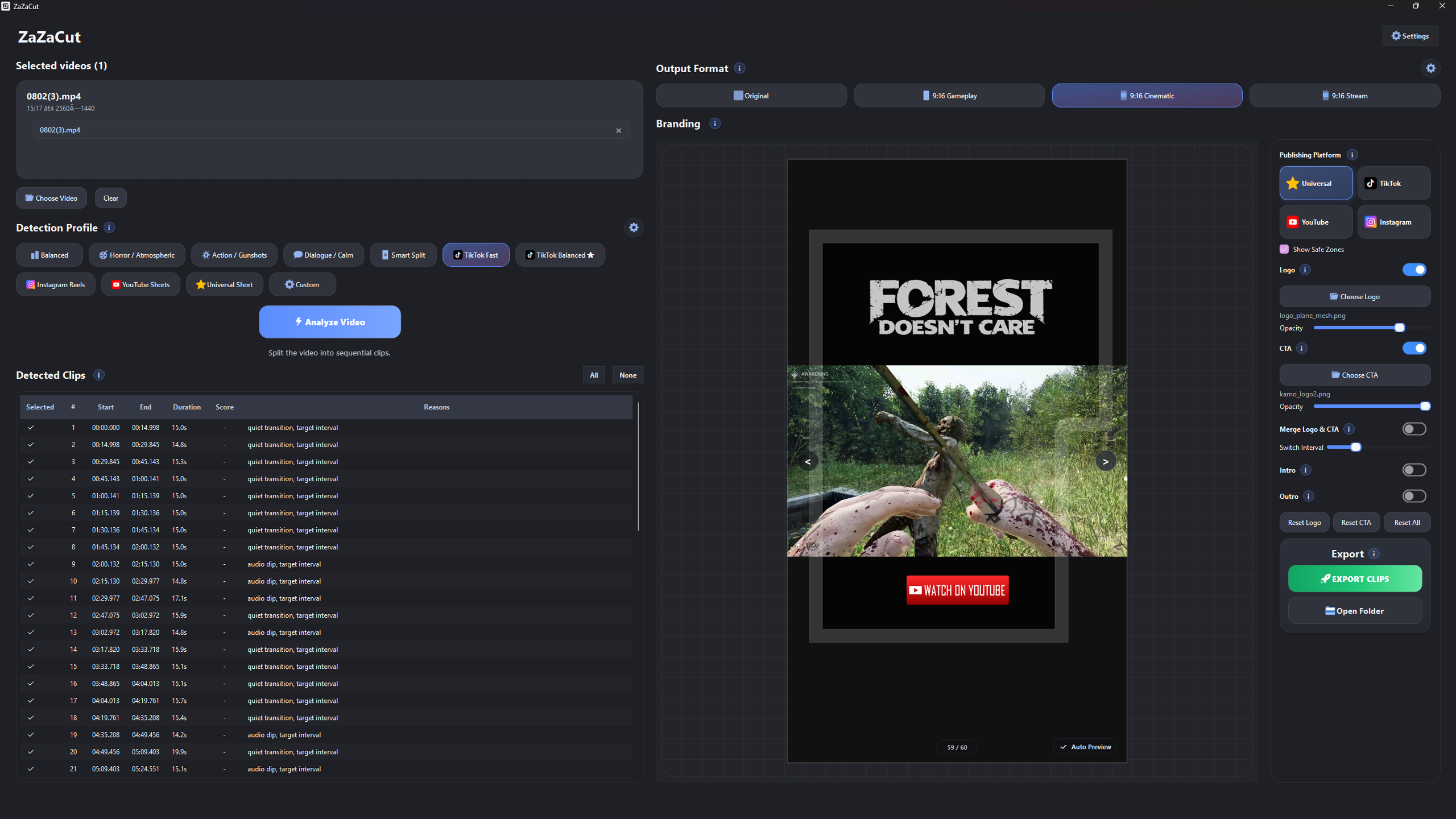
Import an MP4, choose your detection presets, review the candidates, and export in the format your channel needs.
Three steps
From recording to publishing queue.
Choose an MP4.
Load a gameplay session, stream, video podcast, interview, or other MP4 from your Windows PC. Nothing is uploaded to a server.
Find candidates.
Run rule-based analysis, adjust presets, then preview and rank the detected moments.
Make the clips yours.
Choose the strongest ranges, add optional branding, and export original or vertical MP4 clips.
Output modes
Ready for the places where clips get watched.
Original
Keep the source frame and use fast stream-copy cuts when frame-perfect re-encoding is not required.
9:16 Gameplay
Create a direct vertical crop for Shorts, Reels, TikTok, and other mobile feeds.
9:16 Cinematic
Keep the complete source frame inside a 1080×1920 layout with room for branding.
9:16 Stream
Build a vertical gameplay and webcam layout using a manually positioned webcam zone.

Detection is rule-based and produces candidates for review. You stay in control of what gets exported and published.
Quick answers
What you need to know.
Is ZaZaCut a video editor?
No. It helps you find candidate moments, review them, and export clips faster. Use a full editor when you need complex manual editing.
Does it use AI or upload footage?
No. Analysis and export run locally on your Windows PC. Internet is only used when you open external links.
Does it guarantee viral clips?
No tool can promise that. ZaZaCut helps you test more moments and spend less time finding them manually.
Is it only for gameplay?
No. ZaZaCut accepts MP4 recordings, so streams, video podcasts, interviews, commentary, and talking-head videos can use the same candidate-review workflow.
What will it cost?
ZaZaCut is available as a $19.99 one-time purchase. Check Steam for current regional pricing details.
Publish more.
Guess less.
ZaZaCut is available now on Steam. Buy it once, explore the full specifications, and start turning long recordings into a publishing queue.